Modules
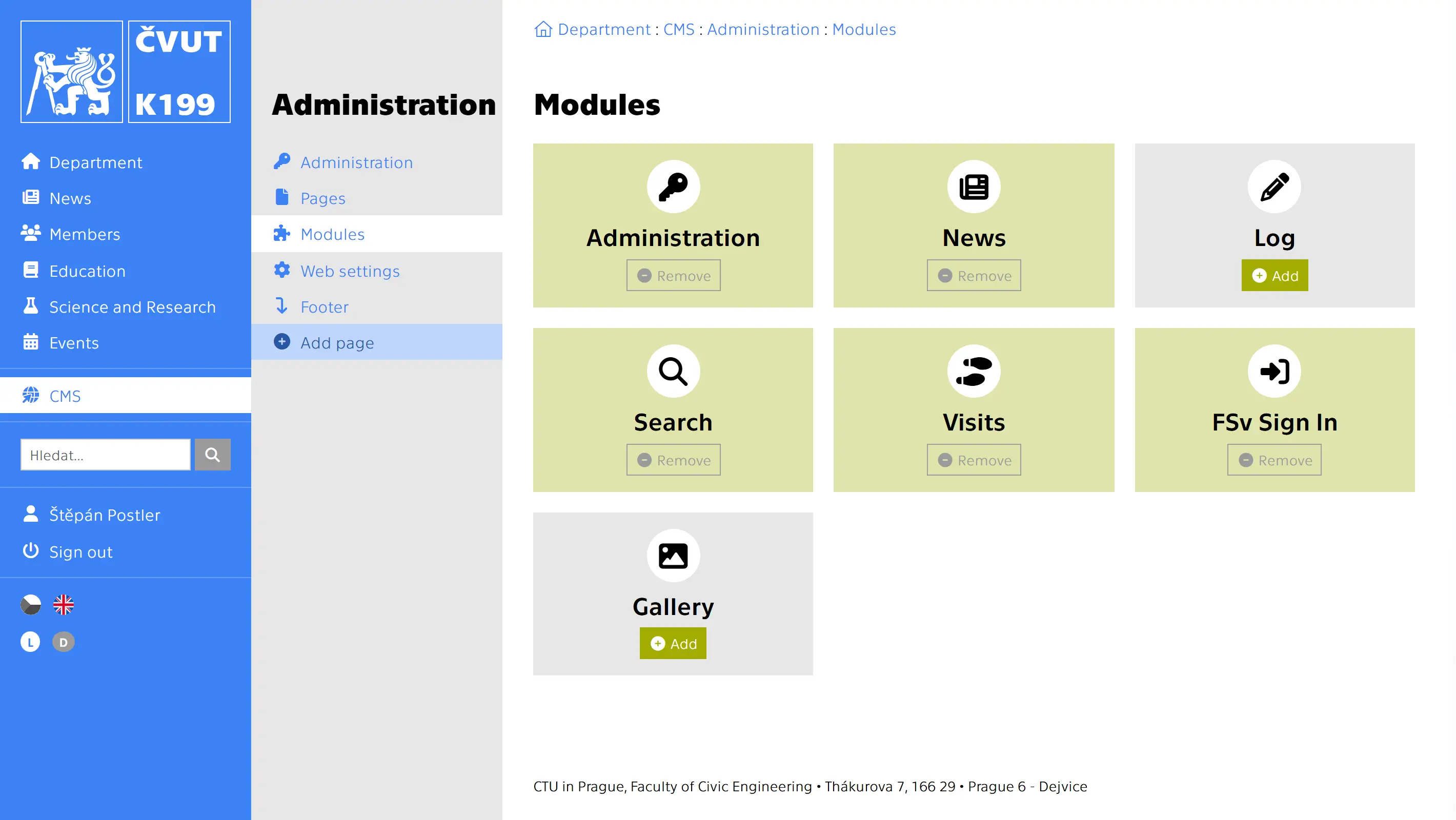
https://[DOMAIN]/en/cms/administration/modulesThe CMS allows you to install modules with dynamic content. After installing a module, a "Module" menu item is created in the website structure. There, you can change the module's name, icon, style, and path. You can also place the module anywhere in the website structure. However, the module contains additional pages that cannot be changed.
Administration
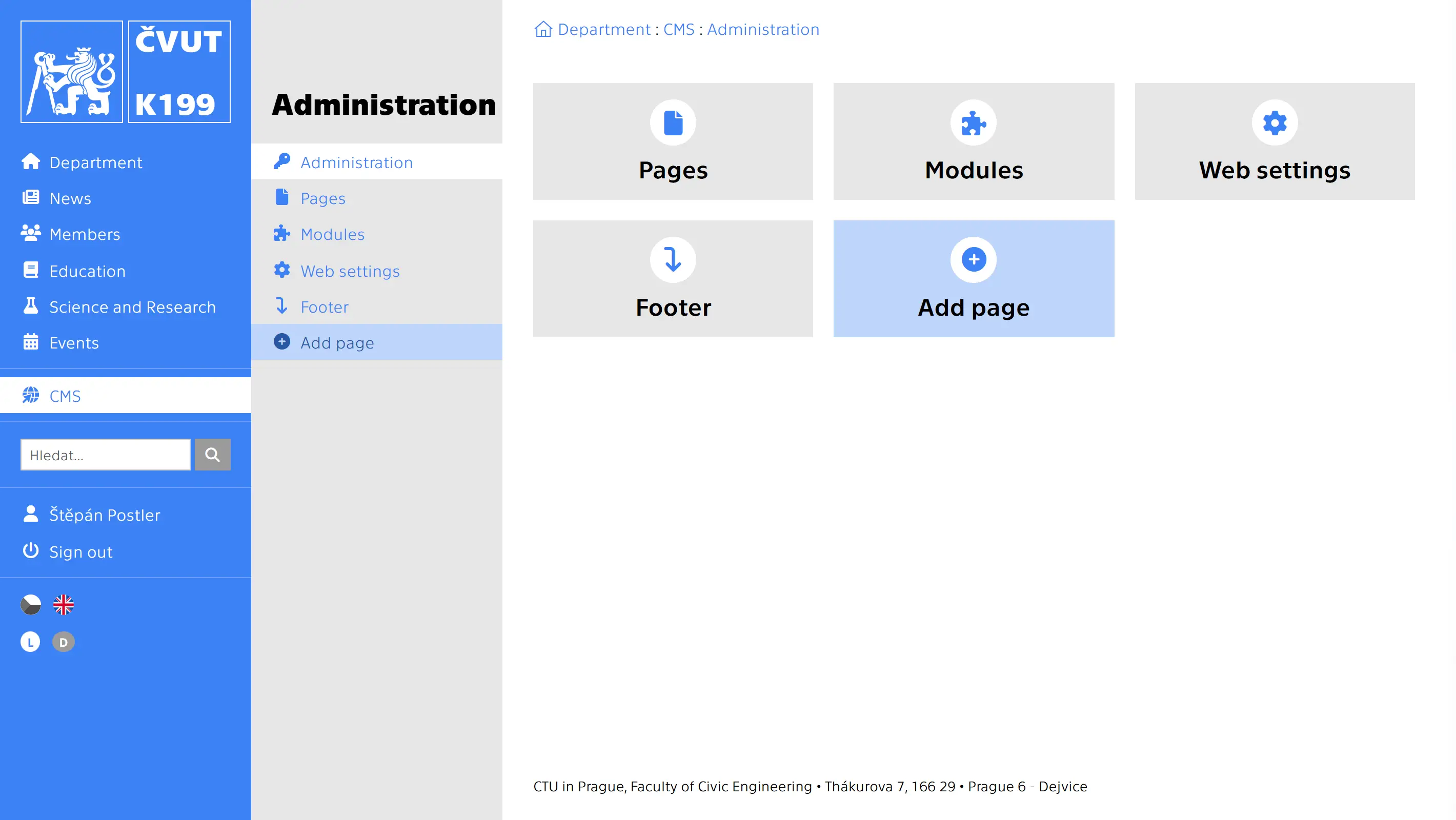
It is a pre-installed module that enables all of the above.
FCE Sign In
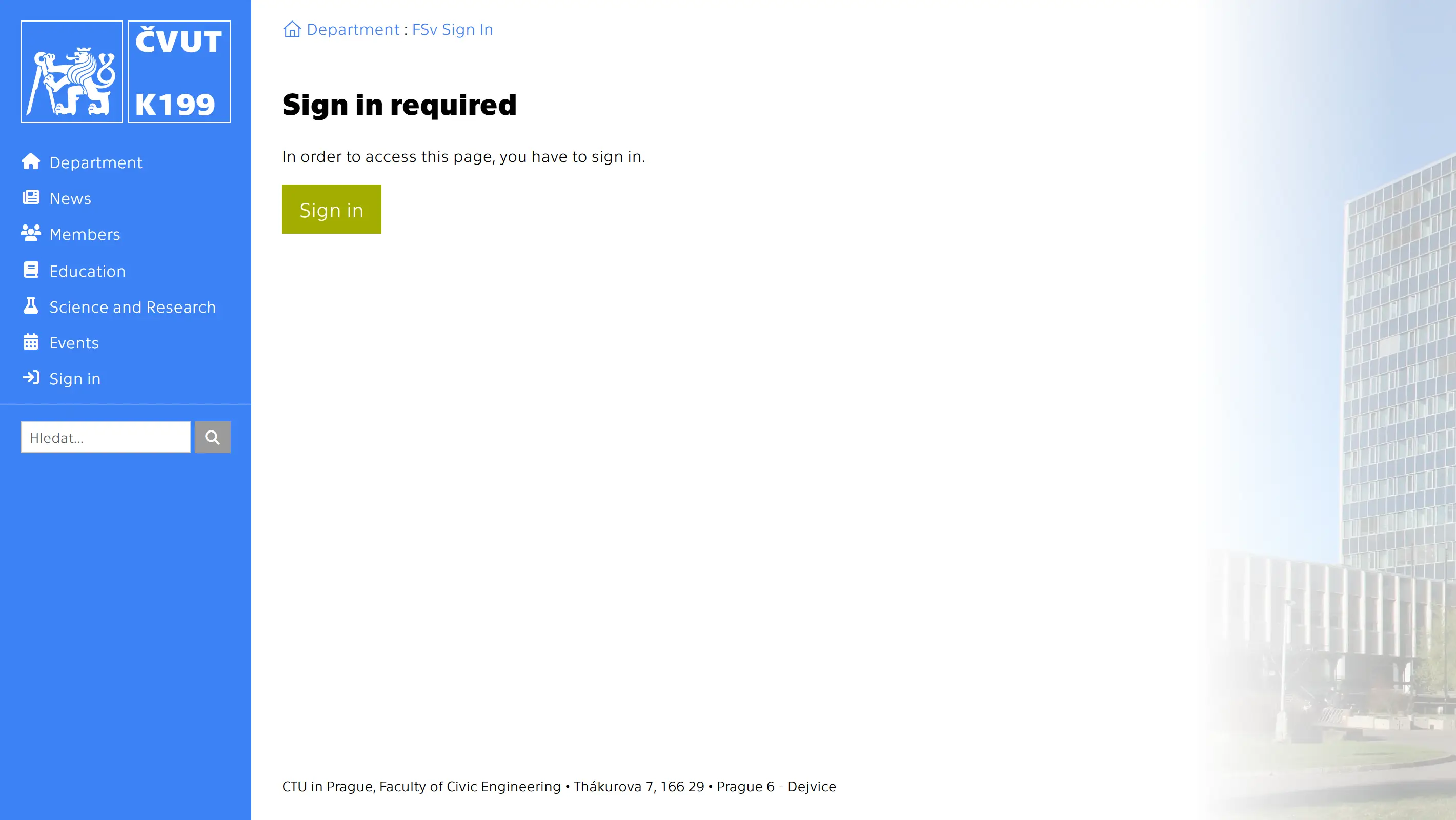
Log in to the website via the FCE login portal.
News
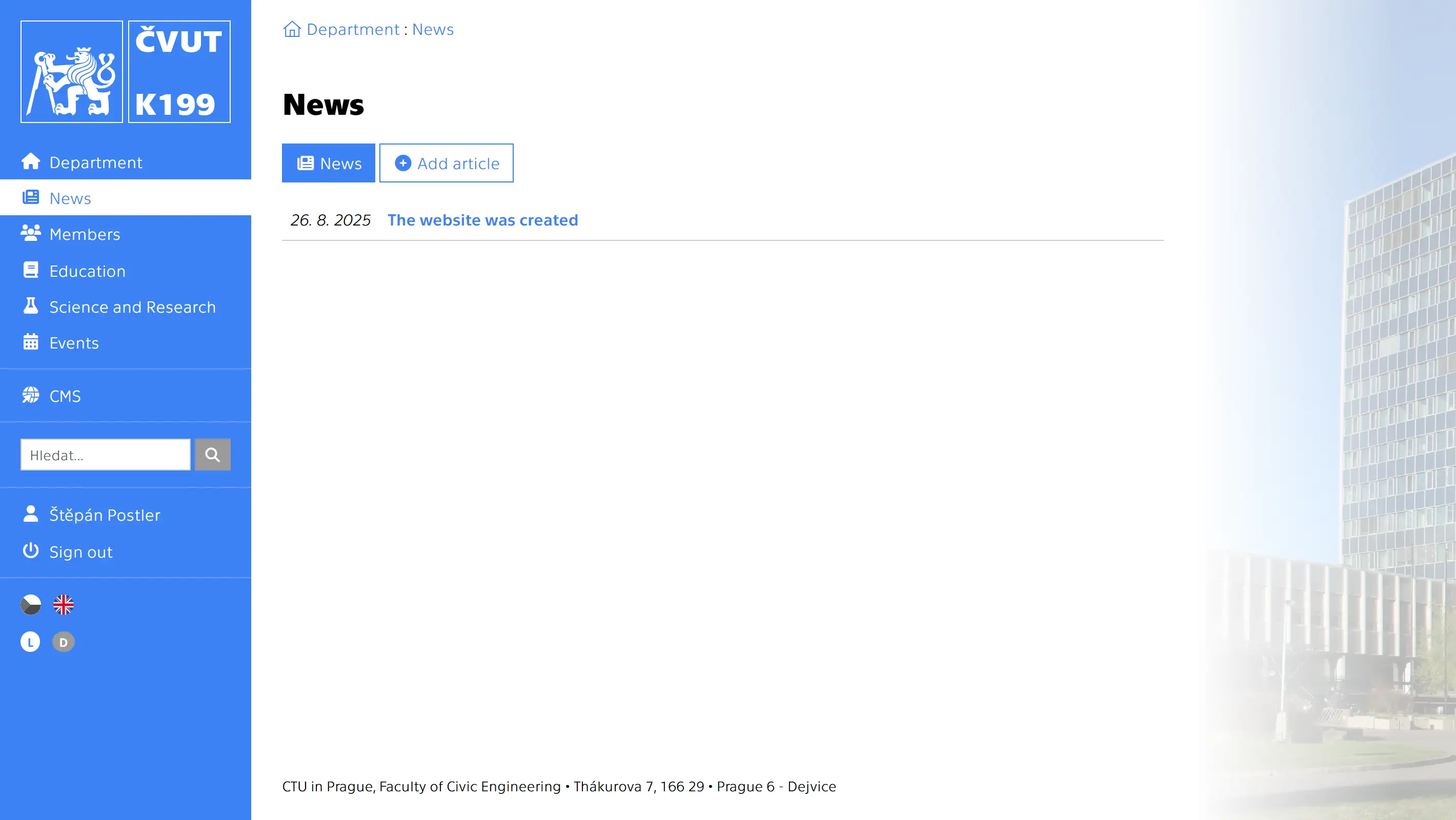

This is a module for managing and publishing articles. Images and documents can be uploaded to articles in the same way as to pages. Unlike pages, you don't specify their position in the content because they will be displayed in a fixed location.
Gallery

This is a module for managing and displaying a gallery of images or a list of documents. Even without the Gallery module, you can add images and documents directly to specific pages (see above).
Search
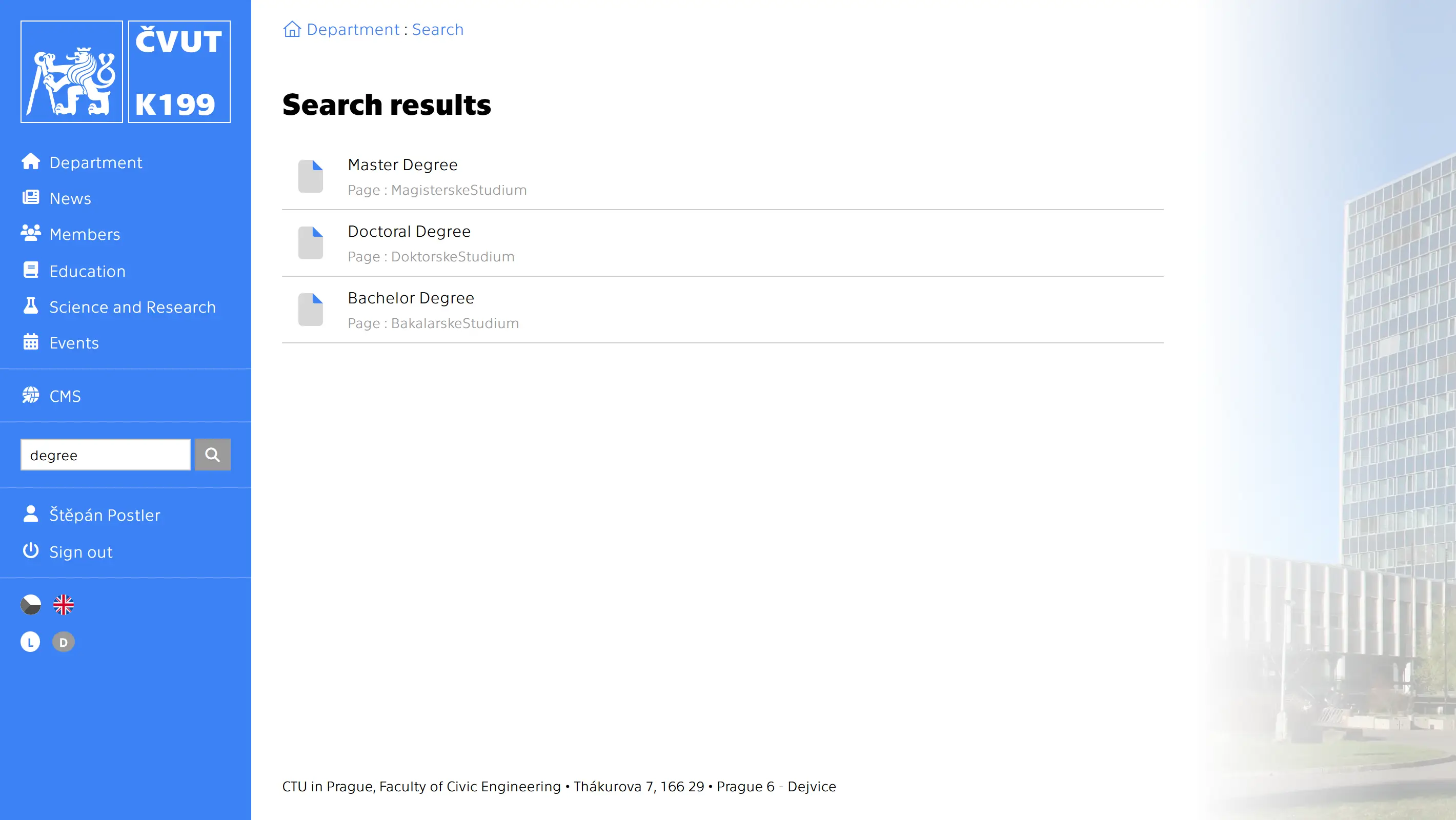
A field for searching pages and articles will appear in the main menu.
Visits
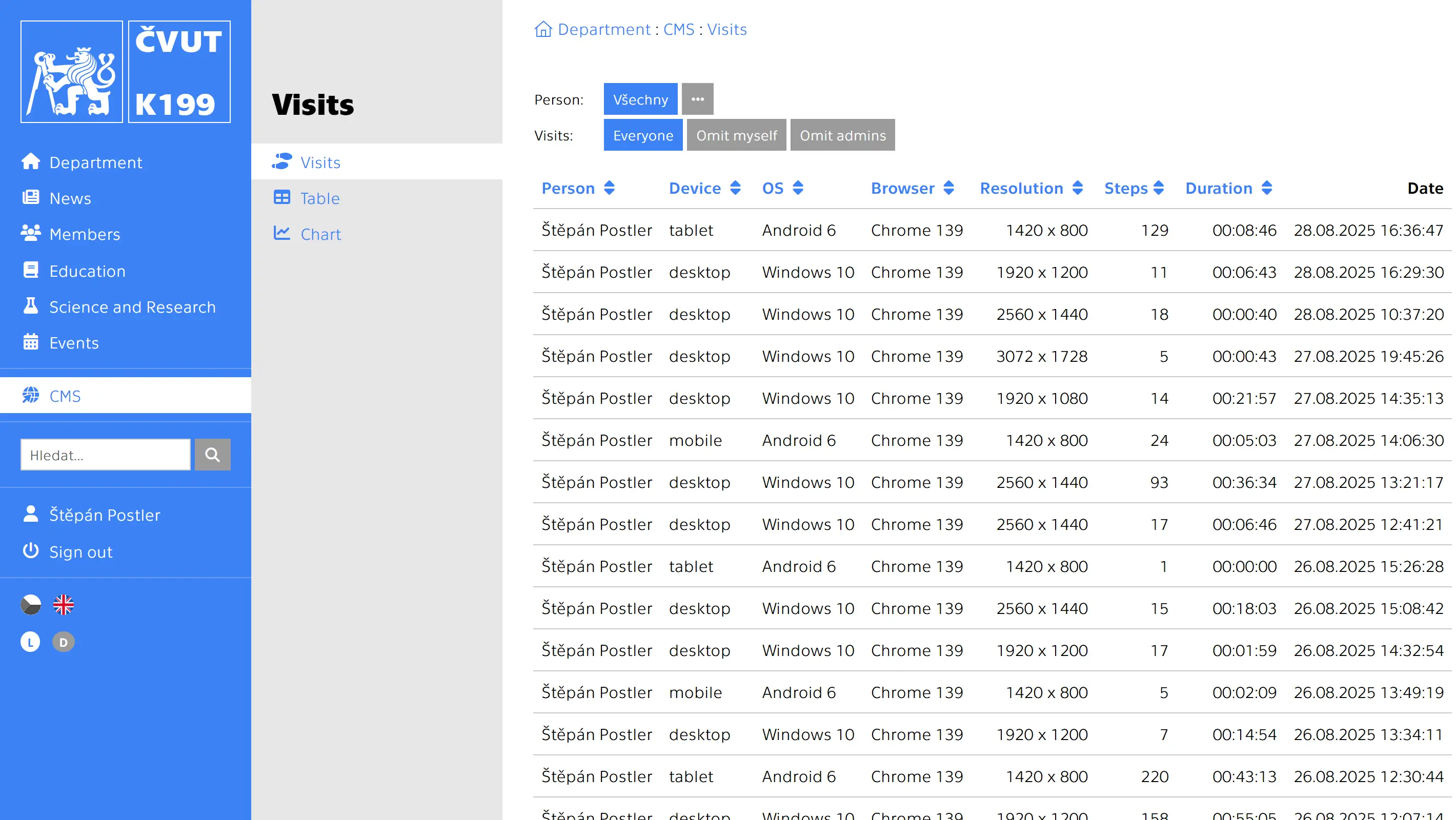
Logging user movements and actions on the website.
Log

Records of times and authors of changes in website, page and article settings.